Tips to Extend the Battery Life of Your Gadgets
Keep your phone, laptop, and wearables running longer with practical charging habits, smart settings tweaks, and storage tips that protect battery health.
Optimize Power and Display Settings. The quickest way to extend battery life is to reduce what your screen and system draw by default. Lower the brightness to the minimum comfortable level and enable adaptive brightness so your device adjusts intelligently. Shorten the auto-lock or screen timeout, and turn off always-on display features if you do not need them. On gadgets with OLED screens, dark mode and darker wallpapers can help because black pixels draw less power. Reduce the refresh rate from high-performance settings to standard when you are doing everyday tasks, and dial back keyboard backlighting, haptics, and system animations to trim small but constant drains. Disable flashy visual effects, set concise notification previews, and use power saver mode as your default rather than a last resort. Together, these choices curb the biggest energy consumers, keeping the experience smooth while cutting waste you barely notice after a day or two of use.
Tame Connectivity and Background Activity. Radios and background processes silently sip power all day. Turn off Bluetooth, Wi‑Fi, cellular data, GPS, and NFC when you are not using them, or automate toggles with routines. In areas with weak reception, airplane mode prevents your device from constantly hunting for a better signal, which is a notorious drain. Limit background app refresh, trim noisy push notifications, and remove unneeded widgets or live info panels. Review location services permissions and choose while-in-use access rather than always-on. Batch cloud sync and downloads for when you are charging, and set media apps to cache content for offline use. Turn off unnecessary scanning options like Wi‑Fi or Bluetooth scanning that run even when radios look disabled. By minimizing chatter between apps and networks, your gadget spends more time in low-power states, extending battery life without sacrificing the features you actually rely on.
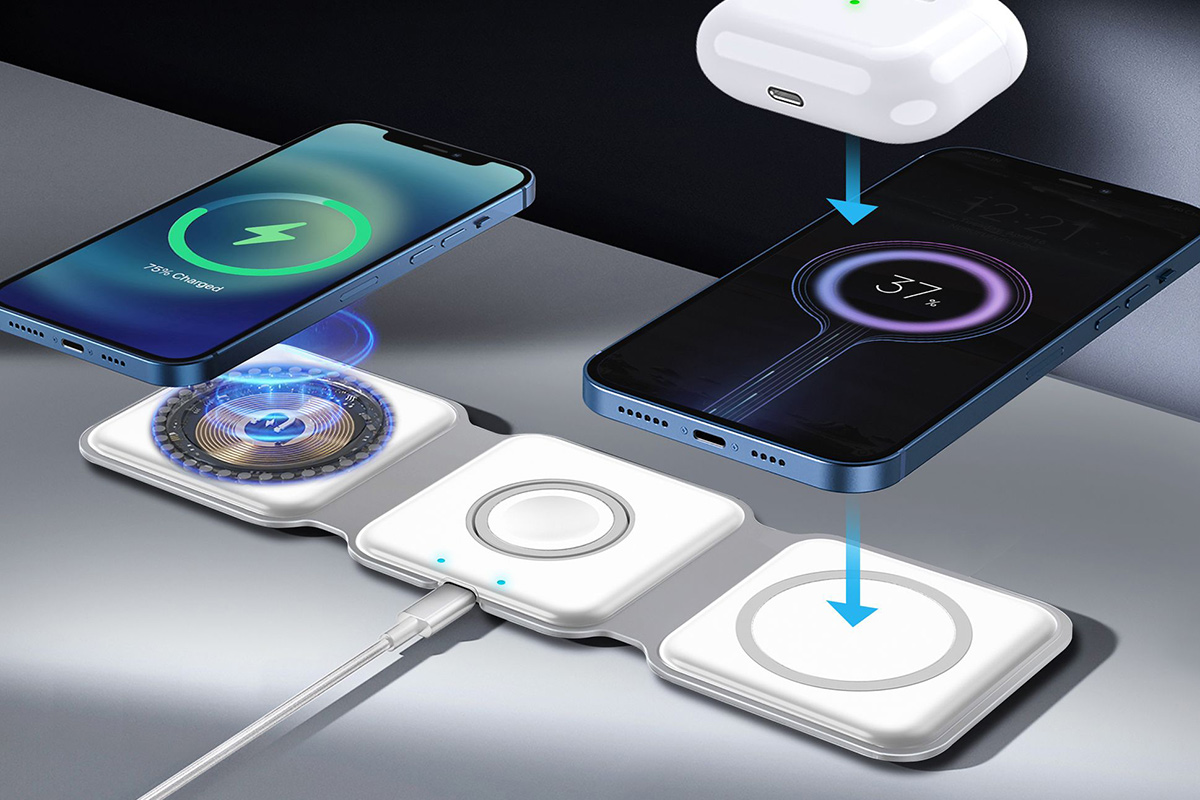
Adopt Smarter Charging Habits. Modern lithium-ion batteries prefer gentle treatment. Frequent top‑ups are fine; avoid repeatedly running to zero or holding at 100 percent under heat. Aim to float between moderate levels, and use built‑in optimized charging so the device slows or pauses at a safe threshold when plugged in for long stretches. If charging feels hot, remove thick cases and keep the device on a hard surface for better heat dissipation. Prefer quality, certified chargers and cables that deliver stable power; unreliable accessories can create extra heat and stress. Wired charging is often cooler and more efficient than wireless, which can waste energy as heat. If you use power banks, match the output to your device's needs rather than chasing maximum wattage. An occasional full cycle can help recalibrate the battery meter, but it is not a performance cure. Treat charging as a maintenance routine that keeps temperatures low and extremes rare.
Control Heat and Heavy Workloads. Heat is a battery's enemy, so keep devices cool to preserve capacity and reduce drain. Avoid direct sun, hot cars, and soft surfaces that block ventilation. For laptops, clear dust from vents, consider a cooling pad, and give fans room to breathe during demanding work. If you must run heavy tasks like video editing or gaming, plug in when practical and, if available, enable battery protection or charge limiters to cap the charge around a safer level while you work. Do not stack workloads while charging if temperatures climb; let the device rest or pause nonessential tasks. Some indexing or photo analysis runs after major updates; allow these to finish while plugged in so they do not nibble at your battery throughout the day. Manage performance modes wisely: use balanced profiles for everyday use and reserve turbo settings for short bursts. Cool, controlled operation equals longer, healthier battery life.
Fine‑Tune Habits and Maintenance. Small, consistent choices compound into hours of extra runtime. Periodically review battery usage charts to spot apps that misbehave, then replace them with lighter alternatives or restrict their background access. Reduce vibration and keyboard haptics, prefer short notification sounds, and trim unneeded animations. Pre‑download maps, playlists, and documents to minimize radio use when on the go. Use focus modes or schedules to mute chatty apps during work or sleep, cutting notification wakeups. Choose sleep or hibernate over full shutdown when you need fast resumes with minimal drain. Keep software and apps updated for efficiency improvements, and store devices long‑term at a moderate charge in a cool place. Accessories matter too: unplug power‑hungry peripherals when not in use. Revisit settings after installing new apps, since defaults often favor convenience over economy. With mindful habits, your gadgets quietly deliver more hours without sacrificing the features you value.