Privacy and Security Basics for Every Device You Own
Protect your phones, laptops, and smart-home gear with simple, universal steps: strong sign-ins, updates, backups, encryption, and safer network habits.
Foundations of Device Hygiene — Keep every phone, laptop, tablet, and smart accessory in good security shape by prioritizing updates. Enable automatic operating system and app updates so critical firmware patches arrive without delay. Build a strong identity layer with strong, unique passwords or passphrases, stored in a password manager, and protect accounts with multi‑factor authentication (MFA). Secure the device itself with a lock screen, biometrics, a short auto‑lock timer, and full‑disk encryption where available. Limit what shows on the lock screen to reduce exposure of notifications and messages. Avoid risky tweaks like jailbreaking or rooting that remove built‑in protections. For shared hardware, use separate user profiles to isolate data. Regularly remove unused apps and accessories, review default settings, and confirm that find‑my‑device features are enabled for recovery. These practices form a baseline that applies across computers and consumer electronics, ensuring that convenience does not quietly erode your privacy and security.
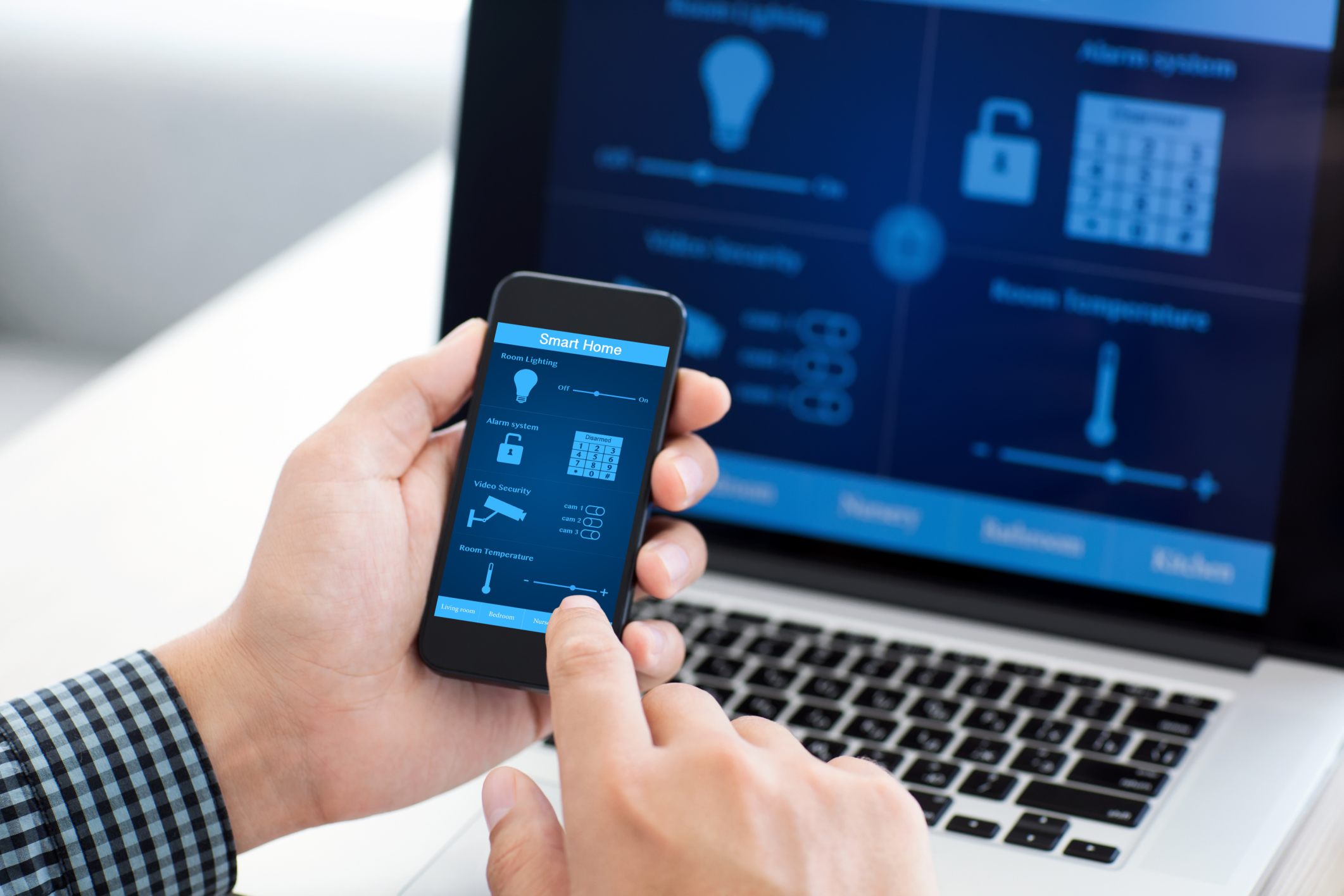
Secure Networks at Home and on the Go — Your internet connection shapes the privacy of every device you own, from laptops to smart TVs. Start with your router: change the default admin password, apply firmware updates, and use strong wireless encryption with a hard‑to‑guess passphrase. Create a guest network for visitors and place smart home gadgets on a separate network segment when possible, keeping sensitive computers and phones isolated. Disable unnecessary remote management and other convenience features you do not use. On the move, treat public Wi‑Fi as untrusted; avoid auto‑joining unknown networks, and prefer your mobile hotspot or a trusted VPN when handling sensitive tasks. Turn off Bluetooth and NFC when not needed to reduce passive tracking and drive‑by attacks. Review firewall settings on computers, and scrutinize any port forwarding rules. A secure network foundation reduces the blast radius of a single compromised device and limits what attackers can see or do.
Control Apps, Permissions, and Data — Most privacy risks come from what apps collect, not from what you post. Install software only from trusted stores, and be cautious with sideloading. Regularly audit app permissions and deny access to location, camera, microphone, contacts, and photos unless an app truly needs them. Limit background activity and disable unnecessary push notifications that can expose personal details on the lock screen. Use built‑in privacy dashboards to see which apps access sensors and data, and reset or limit advertising identifiers to reduce tracking. In browsers, prefer privacy‑focused settings, restrict third‑party cookies, and remember that private browsing hides local traces but does not make you anonymous. Review smart TV voice features, voice assistants, and wearables for data collection defaults, and switch off always‑listening modes if you do not need them. Prune old accounts, unsubscribe from data‑hungry services, and be mindful of clipboard and file access prompts that can reveal sensitive information.
Backups, Recovery, and Resilience — Privacy and security include the ability to recover quickly. Maintain reliable, encrypted backups of your computers and mobile devices, keeping multiple copies in different places, such as one local backup and one off‑site or cloud copy. Schedule them automatically and test restore procedures so you are not learning under stress. Store recovery codes, backup keys, and important account recovery details in a secure place, separate from your devices. Enable device location, remote lock, and remote wipe features, and record serial numbers for reports if something is lost. Back up photos, documents, and messages you cannot replace, and verify that backups complete successfully. If malware or ransomware strikes, disconnect from networks, preserve evidence, and restore from clean backups after you remediate the issue. Building resilience keeps a technical hiccup or theft from becoming a permanent privacy loss or a long, expensive disruption.
Safe Habits, Disposal, and Lifecycles — Good hygiene extends to daily behavior and the end of a device's life. Be skeptical of unexpected emails, texts, and pop‑ups asking for passwords or payments; verify senders, avoid opening unknown attachments, and never approve surprise MFA prompts. Update apps from within their official stores, not via random prompts. When traveling, beware public charging risks; use your own charger or a data‑only cable to avoid juice jacking. Protect screens with privacy filters, and keep devices physically secured. Before selling, gifting, or recycling, sign out, remove accounts, unpair wearables, decrypt if necessary, perform a full factory reset, and for computers, use a thorough drive erase. Remove SIM cards and external storage, and transfer or revoke smart home device ownership so new users cannot access your data. Recycle e‑waste responsibly. Treat privacy as a lifecycle: thoughtful setup, safe daily habits, and careful disposal keep your information protected from start to finish.