Mechanical Keyboards: Switch Types, Layouts, and How to Pick One
Learn how switch types, layouts, and key features shape typing feel and performance—plus practical tips to choose the perfect mechanical keyboard.
Mechanical Basics
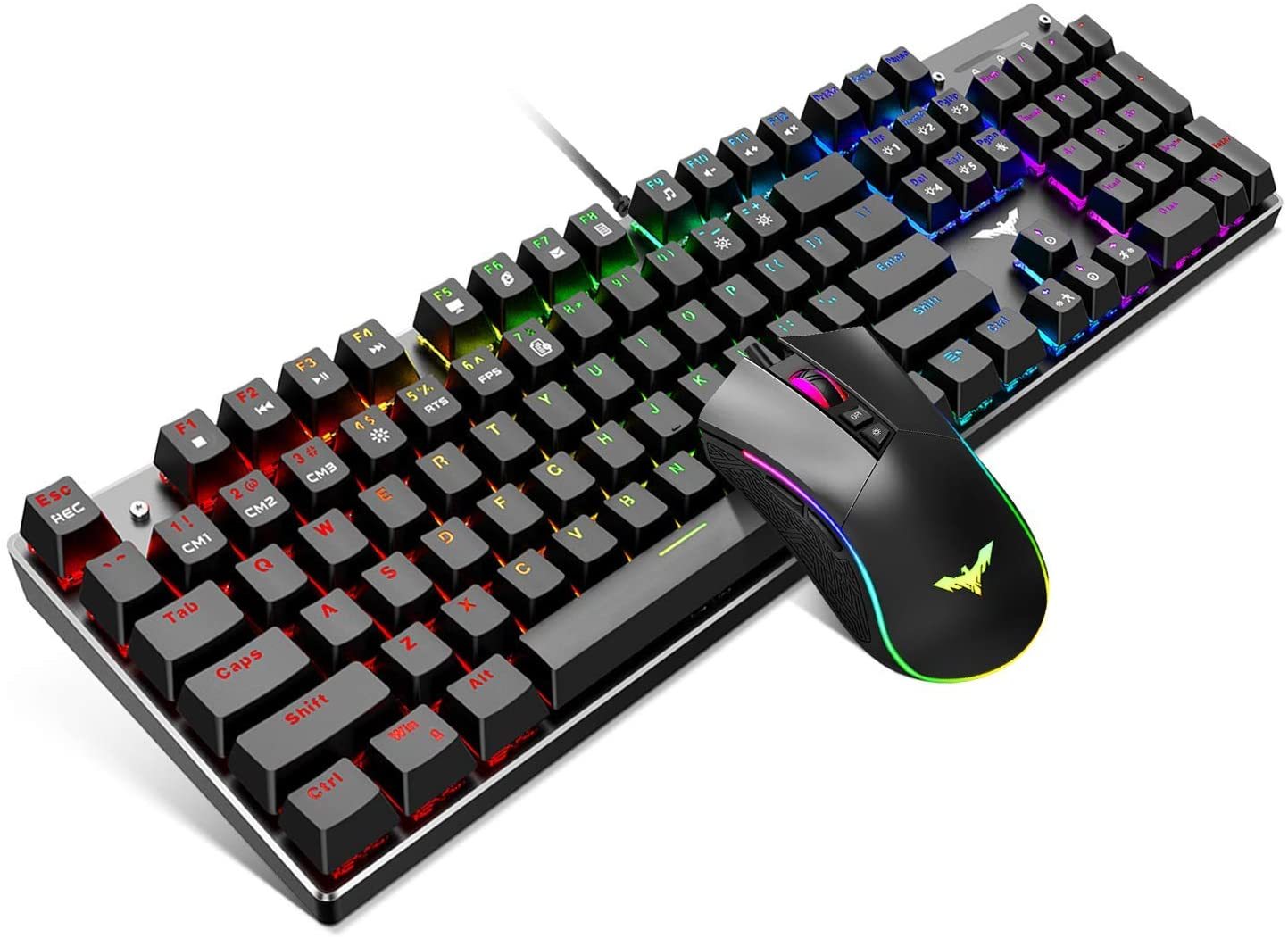
Mechanical keyboards stand out in computers and consumer electronics because every key uses its own mechanical switch rather than a rubber dome. A switch combines a housing, spring, and stem to produce a distinctive feel and sound, delivering a consistent actuation point and reliable feedback. This construction enhances durability, serviceability, and customization. Users benefit from predictable key travel, responsive resets, and the possibility of N-key rollover for accurate inputs during fast typing or gaming. Unlike many membrane designs, you can swap keycaps, tune stabilizers, and even change switches on compatible boards, tailoring both acoustics and performance. Mechanical designs also excel in precision, allowing you to choose a switch that matches your pressure preferences and typing habits. Whether you crave a quiet, cushioned press or a crisp, high-contrast click, the ecosystem offers a solution. By understanding how the switch, plate, case, and keycaps interact, you can shape the keyboard's sound signature, feel, and long-term reliability to fit work, play, and everything in between.
Switch Feel
The heart of the experience is the switch. The three classic families are linear, tactile, and clicky. Linear switches glide from top to bottom with a smooth press and no bump, favored for consistent actuation and steady key travel. Tactile switches add a noticeable bump at the actuation point, offering feedback without a loud click. Clicky switches pair that bump with an audible click, delivering deliberate sound and feel. Consider actuation force (how much pressure triggers the key), pre-travel, and bottom-out behavior. Some switches are light and fast; others are heavier for deliberate typing. There are silent variants with dampening to reduce noise and long-pole stems that alter impact and tone. Spring weight, materials, and factory lubrication influence smoothness and return speed. Many enthusiasts lube and film switches to reduce wobble and sharpen acoustics. For coding or content creation, a tactile bump can guide accuracy; for gaming, smooth linear presses may favor rapid input and predictable timing.
Layouts and Sizes
Layouts determine how many keys you get and where they live. A full-size board includes a function row, navigation cluster, and numpad, ideal for spreadsheets and data entry. An 1800-compact keeps nearly the same keys with tighter spacing. Tenkeyless removes the numpad to free mouse space while retaining arrows and navigation. Seventy-five percent condenses rows into a neater grid, often with dedicated arrows. Sixty-five percent keeps arrows and a few nav keys; sixty percent relies on layers for function keys and navigation to minimize footprint; forty percent pushes minimalism further for ultra-portability. Ergonomic options include split, Alice, columnar, and ortholinear layouts that aim to reduce strain. Regional standards like ANSI and ISO change the Enter and left Shift shapes, affecting keycap compatibility. Large keys use stabilizers, which must be tuned for a rattle-free feel. Choosing a layout that matches your shortcuts, arrow usage, and desk space directly impacts comfort and efficiency.
Build Components
A keyboard's character also comes from its construction. Mounting styles shape feel and sound: tray-mount is common and firm; top-mount secures the plate to the case for a crisp strike; gasket-mount uses elastomer layers to introduce controlled flex and soften impacts; sandwich and burger-mount offer hybrids. Plate materials matter: aluminum and steel feel firmer and sound brighter, brass is weighty and resonant, FR4, polycarbonate, and POM add softness and deeper tones. The PCB may be hot-swappable, letting you change switches without soldering, or solder-only for permanent builds. Look for 5-pin support, south-facing LEDs for keycap compatibility, and per-key RGB if you value lighting. Stabilizers (plate-mount, PCB-mount, screw-in) benefit from careful tuning with lubricant and shims to eliminate rattle. Keycaps affect texture and acoustics: PBT resists shine, ABS allows vibrant doubleshots, POM is slick and durable. Profiles like Cherry, OEM, SA, and DSA influence finger travel, angle, and overall sound.
Connectivity and Control
Your connection choices define portability and performance. Wired USB provides stable power, low latency, and high polling rate for competitive responsiveness. Wireless options include 2.4 GHz for near-wired performance and Bluetooth for multi-device flexibility. Consider battery life, sleep behavior, and wake latency if you move between laptops, tablets, and desktops. Look for NKRO and anti-ghosting to ensure every press is recognized, plus reliable debounce handling. Software and firmware shape long-term usability. Vendor suites offer quick lighting and macro tweaks, while open solutions like QMK and VIA enable layers, macros, tap-hold actions, combos, and on-board memory so your layout travels with the board. Evaluate OS compatibility and whether settings persist without background apps. If you work in shared spaces, examine wireless channel stability and pairing security. Thoughtful control over lighting effects, timeouts, and brightness preserves battery and reduces distractions while maintaining performance, personalization, and comfort across devices.
Choosing Step-by-Step
Start with your priorities. Define use case: coding, gaming, editing, or general office work. Choose a layout that preserves essential keys like arrows and navigation while respecting your desk space and posture. Decide on switch feel—linear for smooth speed, tactile for guided accuracy, or clicky for pronounced feedback—and your tolerance for sound in shared environments. Consider a hot-swappable PCB if you plan to experiment. Pick build characteristics that fit your preferences: gasket-mount for cushioned feel, firmer plates for precision, and PBT keycaps for longevity. Select connectivity based on mobility needs, battery expectations, and latency requirements. Ensure your preferred software supports layers and macros you rely on. Don't forget ergonomics: typing angle, wrist rest, and chair height influence comfort as much as the board itself. Budget for tools like a switch puller, keycap puller, and basic lubricant for maintenance. With a clear checklist, you can balance performance, acoustics, portability, and value to find your ideal keyboard.