How to Choose the Right Laptop for Work, Study, and Play
Choose the right laptop for work, study, and play by weighing CPU, RAM, storage, GPU, display, battery life, ports, portability, durability, and budget.
Define Your Priorities
A great laptop choice starts with clarity about your workloads and habits. For work, think about heavy multitasking, frequent video calls, and large spreadsheets or presentations. For study, emphasize portability, battery life, and a comfortable typing experience that supports long note‑taking sessions and research. For play, consider whether you prefer casual gaming, streaming, or light content creation such as photo edits and hobby projects. Decide how often you move between rooms or commute, because that impacts ideal screen size and weight. If you sit at a desk often, pairing a compact laptop with an external monitor can offer the best of both worlds. If you build presentations or prototypes, prioritize a responsive trackpad and reliable webcam and microphone. Finally, reflect on your preferred operating system and apps, your comfort with cloud services, and whether you value a quiet system over raw performance. These choices define your trade‑offs and steer you toward a balanced machine that fits work, study, and play without overspending.
Performance Basics That Matter
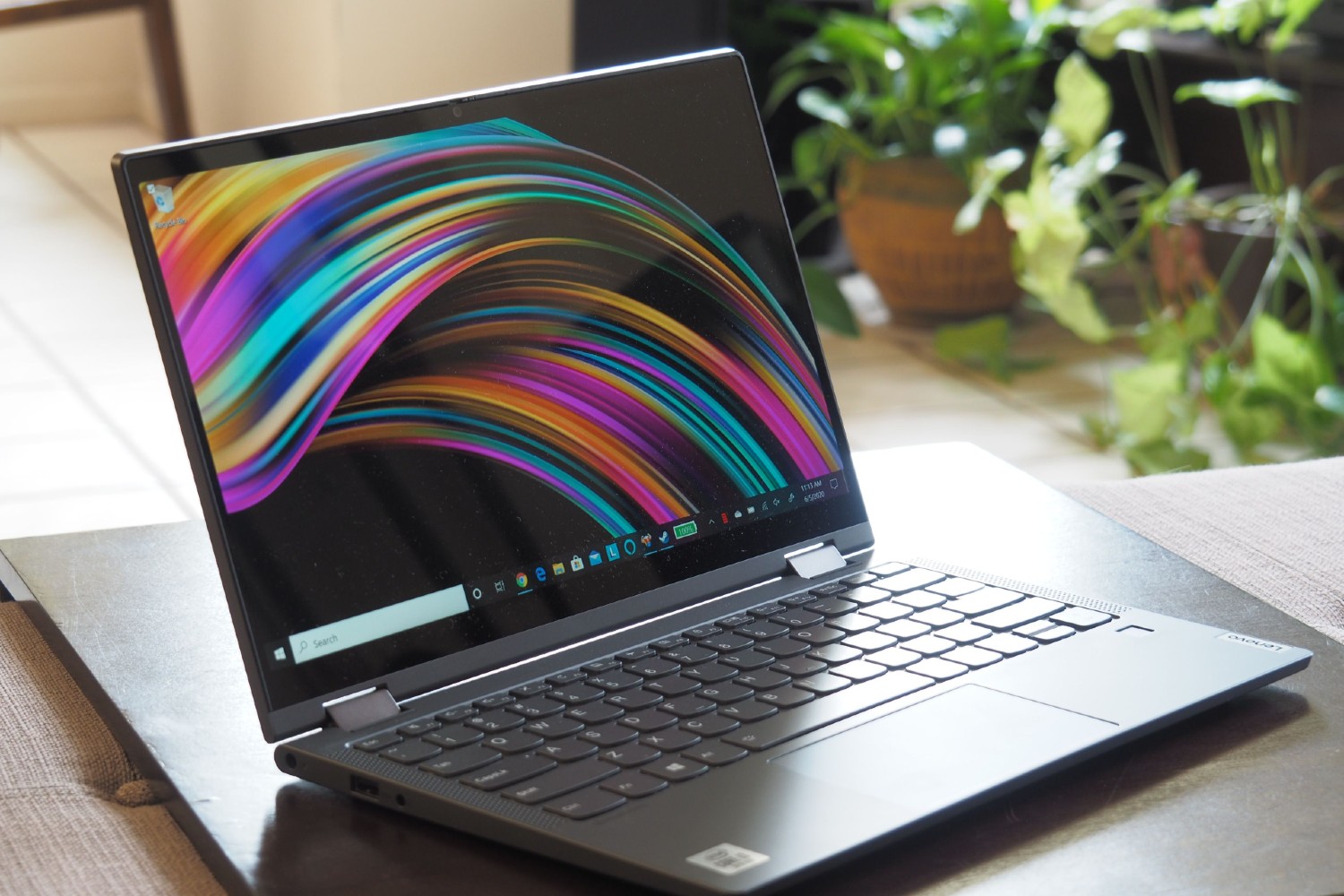
Under the hood, focus on CPU, RAM, storage, and graphics. A modern multi‑core CPU with efficient performance per watt keeps apps snappy while maintaining cool, quiet operation. Choose enough RAM to support your workflows; heavier multitasking, coding, data work, and creative apps benefit from more headroom. Prefer a fast NVMe SSD over older drives for rapid boots, quick app launches, and smooth file transfers; select capacity based on local files versus cloud reliance. For graphics, integrated GPUs handle everyday tasks and casual play, while a dedicated GPU enables smoother gaming and accelerated creative workloads. Pay attention to thermal design and cooling—thin systems with poor ventilation can throttle under sustained load, reducing performance. Consider fan noise tolerance, too, if you work in quiet settings. Finally, evaluate upgradeability: user‑replaceable RAM or a second M.2 slot can extend longevity, while soldered components lock you into today's specs.
Screen, Input, and Build Quality
Your display shapes comfort and productivity. Balance screen size with portability; a larger panel offers more workspace and immersion, while smaller sizes travel better. Compare resolution and pixel density for crisp text, and choose panel technology (such as IPS or OLED) based on contrast, color accuracy, and viewing angles. Creators benefit from higher color coverage and calibratability, while gamers may prefer increased refresh rate and low response time. Look for sufficient brightness and anti‑glare coatings if you work under bright lighting. A responsive keyboard with comfortable key travel, reliable backlighting, and an accurate trackpad reduces fatigue. Don't overlook webcam quality, microphone clarity, and speakers for calls and entertainment; a privacy shutter is a plus. Build materials, hinge stability, and chassis rigidity affect durability, while compact bezels shrink the footprint without sacrificing screen area. Together, these factors influence how pleasant the laptop feels hour after hour, across meetings, lectures, and downtime.
Connectivity, Battery, and Security
Practical ports and reliable wireless keep your day running smoothly. A balanced mix of USB‑C, USB‑A, HDMI or DisplayPort, and an SD card slot supports peripherals, presentations, and quick media transfers. Advanced USB‑C with power delivery and high‑speed data opens doors to docking and multi‑monitor setups. Solid Wi‑Fi and Bluetooth ensure stable calls and accessory pairing; if you travel or present often, prioritize strong antennas and consistent roaming. For mobility, consider battery life, fast charging, and the power adapter size—lighter chargers matter in backpacks. Match your operating system to required apps and workflows: Windows for broad software compatibility, macOS for tight ecosystem integration, ChromeOS for simplicity, or Linux for flexibility and development. Safeguard your data with fingerprint or face login, a TPM, webcam shutter, and a Kensington lock slot where needed. These fundamentals combine to deliver a dependable, secure laptop ready for classes, meetings, and entertainment without constant dongle juggling.
Budget, Longevity, and Value
Aim for value, not just the lowest price. Consider total cost of ownership: performance headroom, warranty length, and support quality often outweigh small upfront savings. Favor models with good thermal management to preserve speed and hardware health. If possible, choose upgradeability—extra RAM slots or accessible M.2 storage can delay replacement. Evaluate repairability, battery replacement options, and reputable service networks. For protection, weigh accidental damage coverage and proactive backups. Plan for ergonomics: a docking station, external monitor, and ergonomic mouse or mechanical keyboard can transform a mid‑range laptop into a productivity hub at your desk. Creators might add calibration tools; gamers may invest in a controller or high‑refresh external display. Before buying, check multiple independent reviews and benchmarks to confirm thermals, noise, and real‑world performance align with your needs. With a thoughtful plan, you'll get a laptop that endures semesters, projects, and leisure, delivering long‑term utility across work, study, and play.